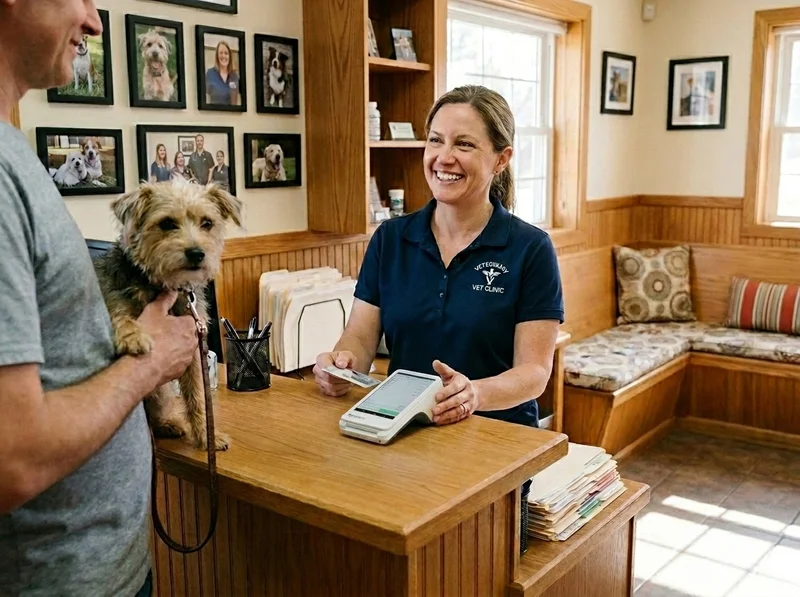
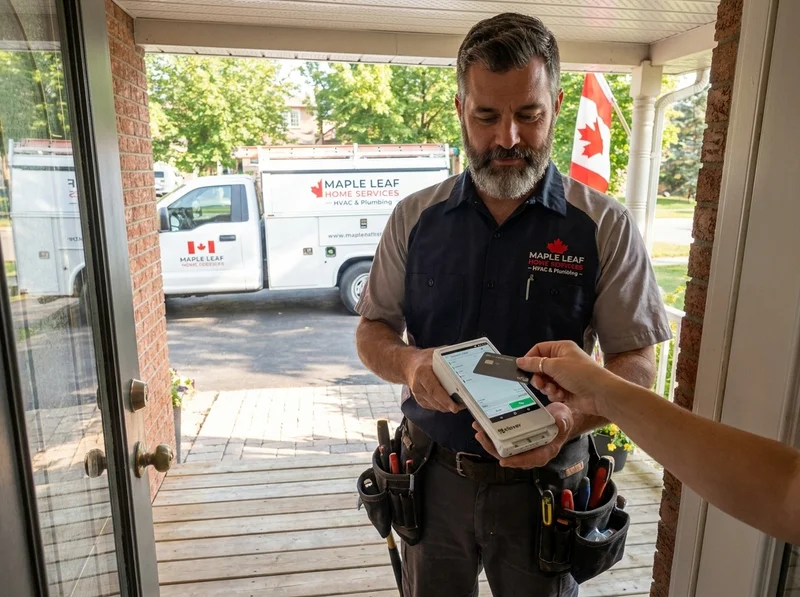
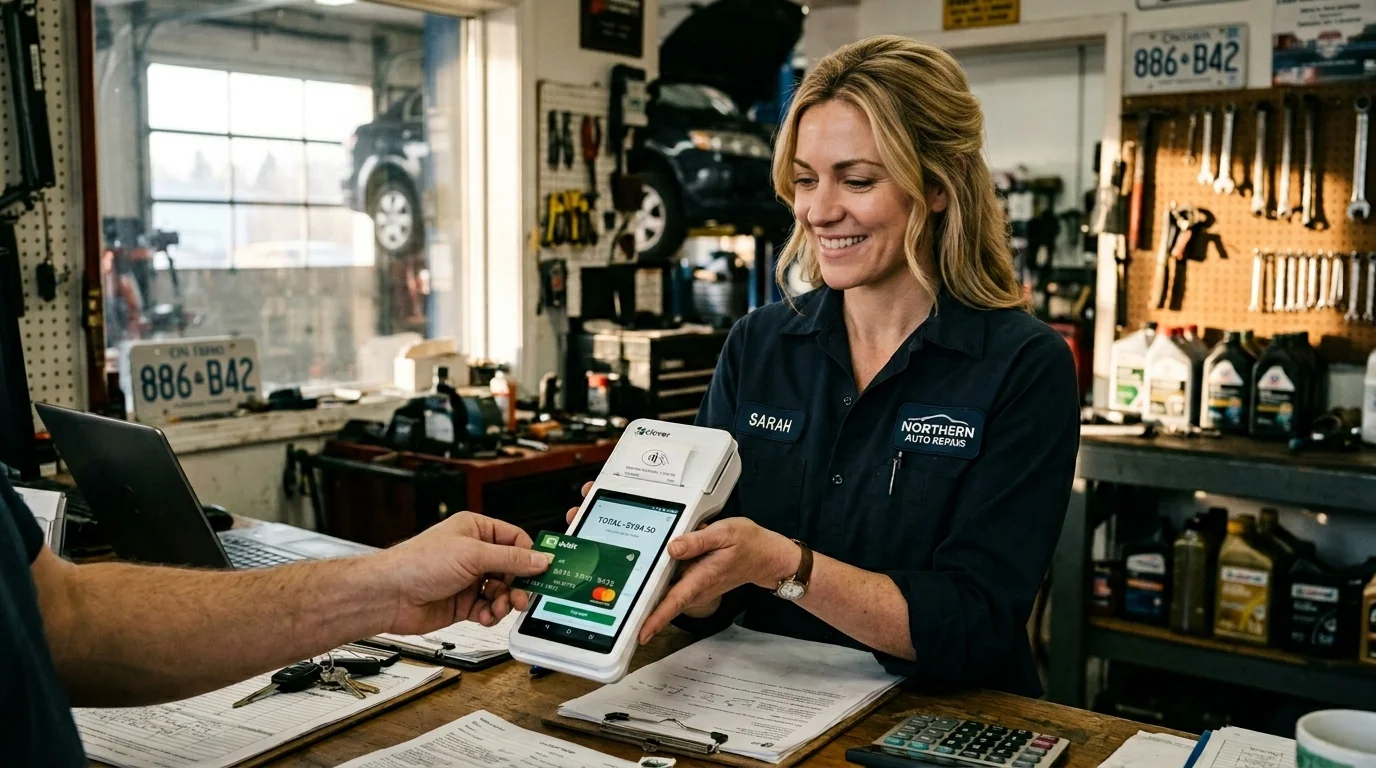
Clover Flex handheld payment terminal in a small Ontario business, ready to take cards at the counter, on the road, or wherever the sale happens.
Clover Payments

Clover payment terminals for every way you take money.

Whether you ring up sales at a counter, on the road, online, or on a monthly schedule, we will set you up with the right terminal and a payment processing rate that actually makes sense.

Where you take payment changes which terminal fits.

Most credit card terminal pages start with a list of devices and ask you to figure out which one is for you. That is backwards. The right way is to start with where the payment happens. Then we can match you to a Clover terminal that fits, set up your processing the right way, and get out of your hair.

Here are the four ways most Ontario operators take card payments. Pick the one (or two, or three) that match your operation.

In-store at a counter

You take payment at a fixed point of sale. A till, a register, a service desk. Customers bring their card to you. Card present, tap or chip, fast turnaround.

Best Clover device for this

Clover Mini for tight counter space, or a full Clover Station setup if you want a real POS, not just a terminal. (See the full Clover POS lineup for system-level setups.)

On the road or pay-at-the-table

You take payment away from a fixed counter. Servers carrying terminals to tables, mobile groomers finishing a job in someone's driveway, market vendors at a Saturday pop-up, electricians collecting after a service call.

Best Clover device for this

Clover Flex for handheld POS work with a built-in printer. Clover Go (a card reader that pairs with your phone) for the lightest possible setup with no printer.

Online and over the phone

You sell through a website, take orders by phone, or send a payment link to a customer to settle an invoice without them ever showing up in person. Card-not-present transactions.

Best Clover device for this

You probably do not need a device at all for this. Clover’s virtual terminal lets you key in a card from any browser, and you can email a payment link to your customer that they tap to pay. We will set up the e-commerce hookup if you sell from a website too.

Recurring and stored payments

You charge the same customer regularly. Memberships. Subscriptions. Storage units. Service contracts. Monthly retainer billing. You want to set the schedule once and have it run.

Best Clover device for this

Again, no device needed. We set up tokenized stored cards inside your Clover account, define the recurring schedule, and the payment runs automatically on the date you set. Clean reporting. Clean reconciliation. Customer stays on the same payment method until they choose to update it.

Industries We Set Up

A few of the operations we set up most often.

Every business takes payment a little differently. These are three of the industries where the Clover lineup, paired with our Interchange+ pricing and on-site setup, fits especially well.

How It Works

How a Clover payment actually moves through the system.

This is the part most providers do not explain because they would rather you not look too closely. Here is what happens when a customer taps a card on a Clover terminal we set up for you.

The same flow runs whether the card is tapped in person, keyed in over the phone, charged on a recurring schedule, or pushed through your website. We will set up whichever path you need, and we will explain the Interchange+ pricing so you can read your statement and know exactly what you are paying for.

What You Get

What you get when you set up Clover Payments with Azimuth.

We are an authorized Clover Payments reseller serving Southern Ontario from hubs in Owen Sound and Niagara Falls. When you set up your processing through us, here is what comes with it.

The Clover lineup at a glance.

Every Clover device runs Clover Payments. Pick the form factor that matches where you take money. For the deeper software walkthrough on the full POS systems, see the Clover POS page.

Clover Station Duo dual-screen countertop POS

Clover Station Duo

Full-power POS with a customer-facing screen

Footprint
Countertop, 14" merchant screen and 8" customer screen
Best for
Restaurants and high-volume retail
  • 14" merchant display, 8" customer display
  • Includes thermal receipt printer and barcode scanner
  • Ethernet, Wi-Fi, and 4G LTE

When you want the full feature set and you want your customer to see what they are paying for.

Clover Station Solo single-screen countertop POS

Clover Station Solo

Single-screen countertop POS

Footprint
Countertop, tiltable 14" screen
Best for
Retail without a customer-facing screen need
  • Tiltable 14" merchant display
  • Built-in thermal receipt printer
  • Ethernet, Wi-Fi, and 4G LTE

When the Duo is overkill and you just need a fast, full-featured countertop POS.

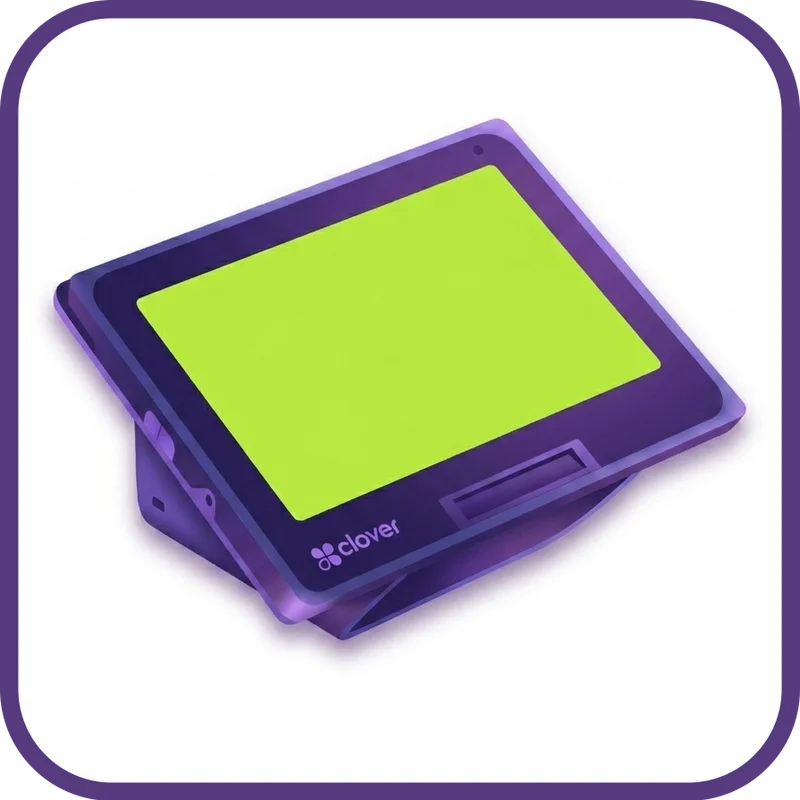
Clover Mini compact countertop POS

Clover Mini

Compact countertop POS with everything built in

Footprint
Countertop, 8" screen
Best for
Cafes, salons, smaller retail shops
  • 8" touchscreen
  • Built-in thermal receipt printer, card reader, and barcode camera
  • Ethernet, Wi-Fi, and 4G LTE

When counter space is tight and you still want a real POS, not just a terminal.

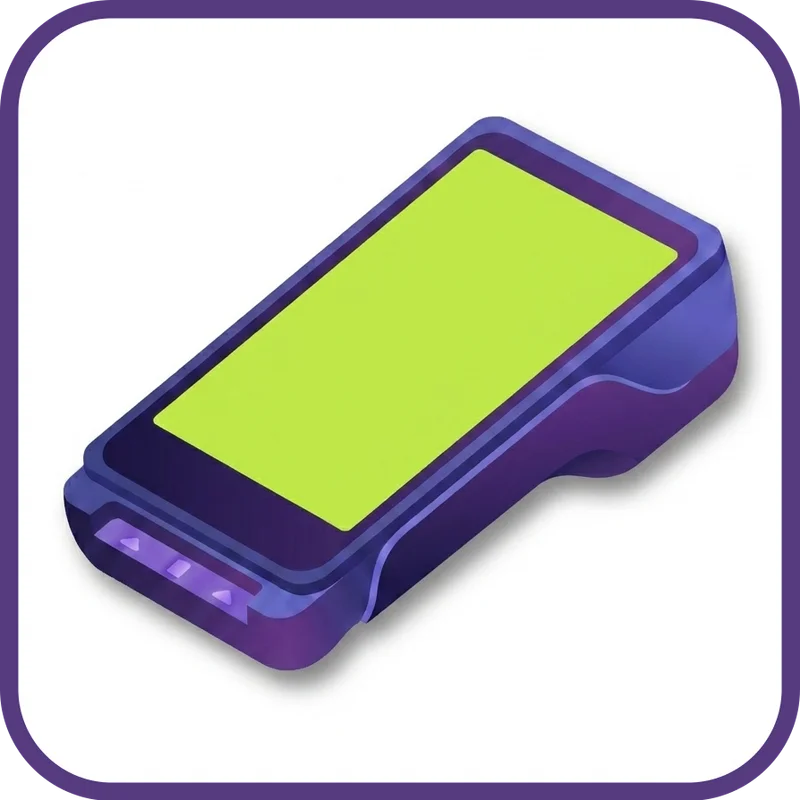
Clover Flex handheld POS with built-in printer

Clover Flex

Handheld POS with a built-in printer

Footprint
Handheld, 5.99" screen
Best for
Pay-at-the-table, mobile service, line busting
  • Nearly 6" touchscreen, 8-hour battery
  • Built-in thermal printer, card reader, and barcode camera
  • Wi-Fi, 4G LTE, and Bluetooth

When the work happens away from the counter. (See full breakdown below.)

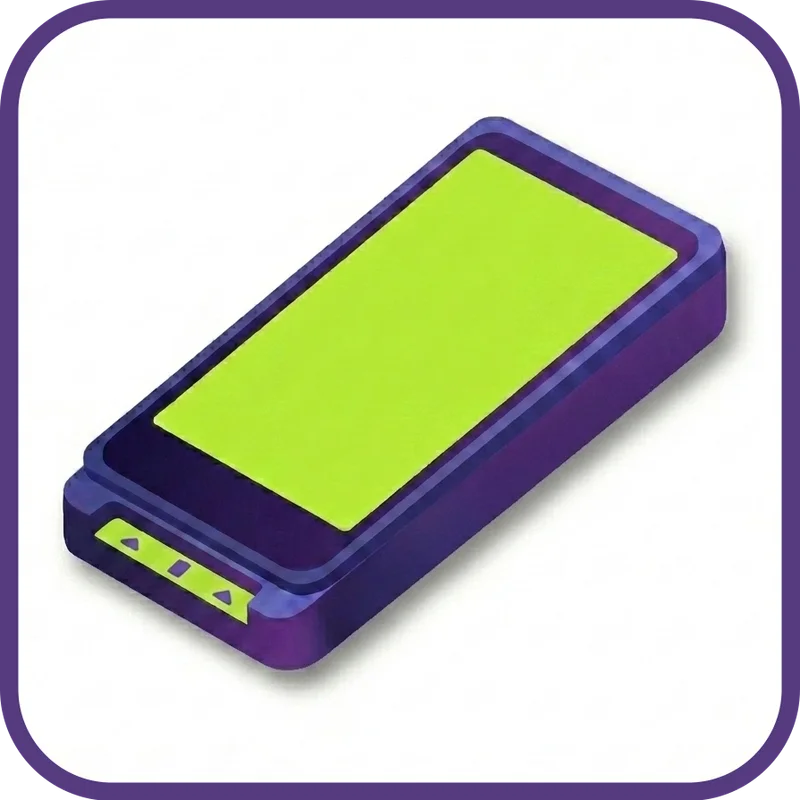
Clover Flex Pocket handheld terminal, no printer

Clover Flex Pocket

Pocket-size handheld for digital receipts only

Footprint
Pocketable, 5.99" screen, around 12 oz
Best for
Mobile vendors and tableside service who do not need printed receipts
  • Same nearly 6" screen as the Flex, 25 percent lighter
  • 8-hour battery, USB-C charging, no printer
  • Wi-Fi, 4G LTE, and Bluetooth

When you want the Flex experience in your apron pocket and your customers are happy with email or text receipts.

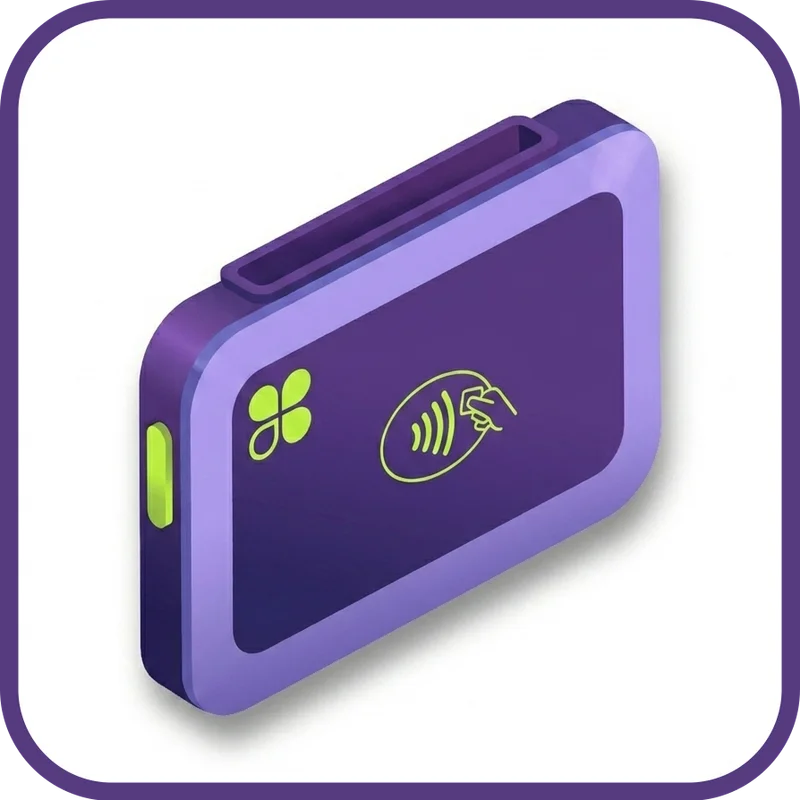
Clover Go Bluetooth card reader for phone or tablet

Clover Go

Card reader for your phone or tablet

Footprint
Pocketable, pairs with iOS or Android
Best for
Mobile service businesses and pop-ups
  • Bluetooth pairing with iPhone or Android
  • Tap, chip, swipe, plus Apple Pay and Google Pay
  • Lowest hardware cost in the lineup

When you take payment on the road and you do not need a full POS app at the customer.

Not sure which one fits? and we will walk you through it.

Frequently Asked Questions

Common questions about Clover Payments in Ontario.

Next business day, as standard. Process card payments today (before your daily cutoff) and the funds are deposited into your bank account on the next business day. We do not charge extra for next-day funding the way some processors do. It is just how we set you up.

Azimuth Payments, Best Rate Guarantee. Send us your statement and we will beat your rate or tell you straight.

When you switch to Azimuth, you get all of this.

Lower rates. No surprises. No call centres.

  • Illustration of a small Canadian shop with a friendly local rep at the counter

    Local + On-Site

    We will come to you. Owen Sound. Niagara. Anywhere in Southern Ontario.

  • Illustration of a transparent statement with line items clearly labeled

    Transparent Pricing

    Interchange+. We will walk through your statement line by line.

  • Illustration of three layered support tiers with phone, headset, and Clover icon

    Three-Tier Support

    Real humans first. 24/7 Canadian backup. Clover direct as the safety net.

  • Illustration of a Canadian map with on-site and remote service zones highlighted

    National Coverage

    Local where you are. Remote where you need it.

  • Illustration of a shield badge representing the Best Rate Guarantee

    Best Rate Guarantee

    Send us your statement. If we cannot beat your rate, we will tell you straight.

  • Illustration of a $500 statement credit gift on a stylized invoice

    $500 Credit

    A statement credit on your first month when you switch to Azimuth.

Or call905.356.9906