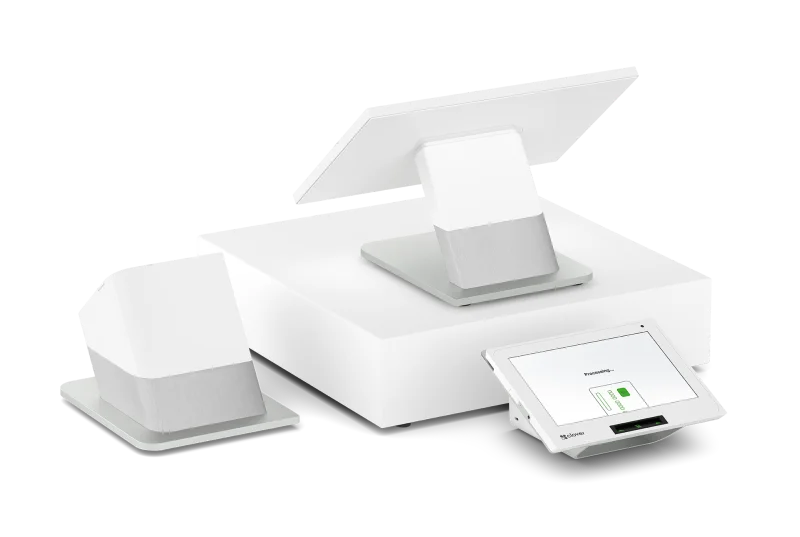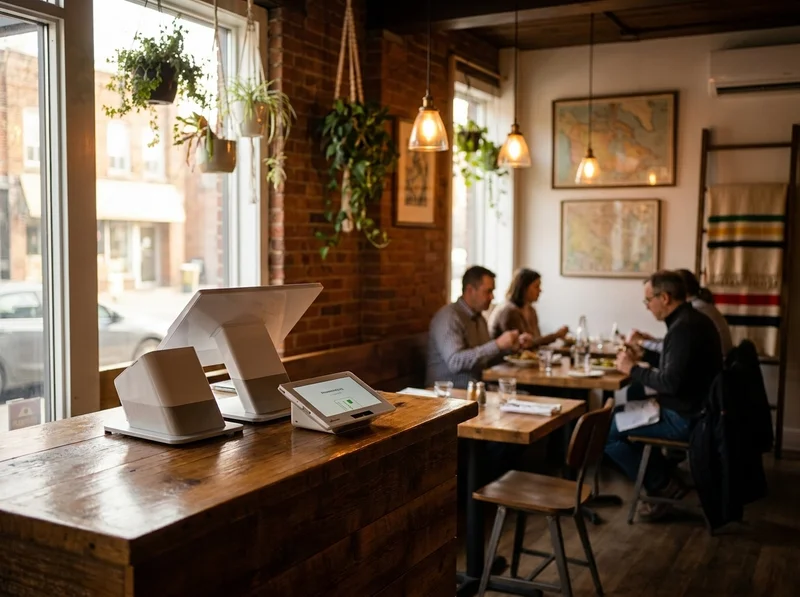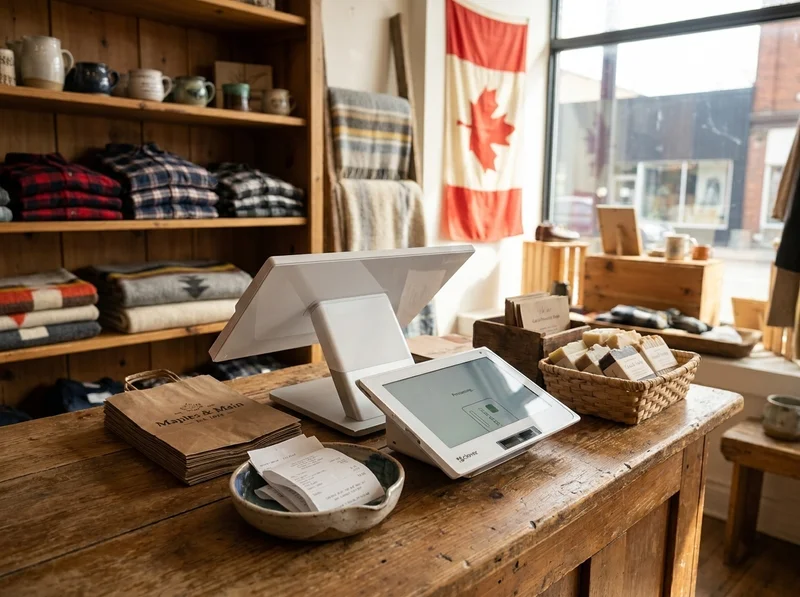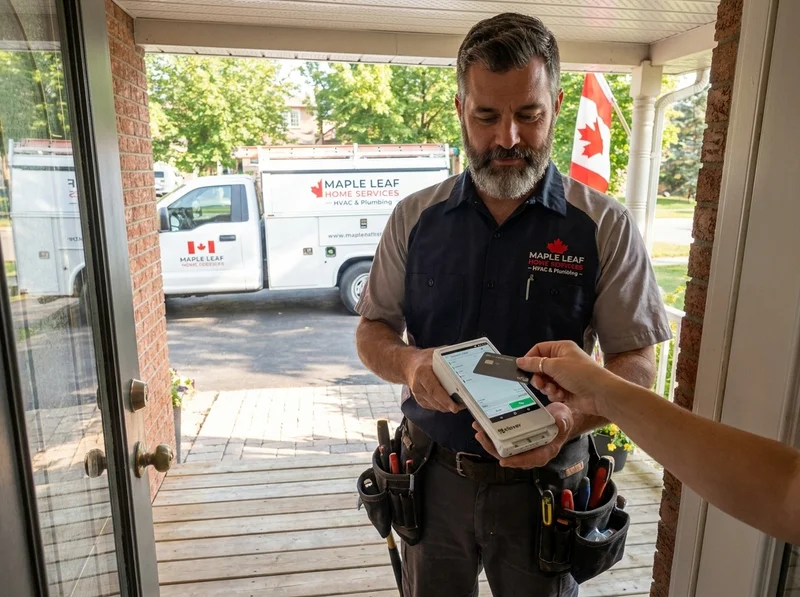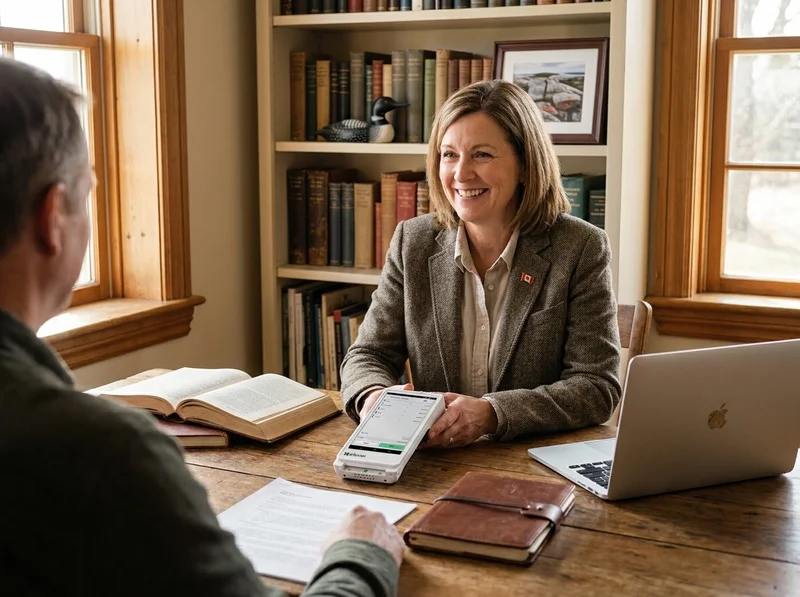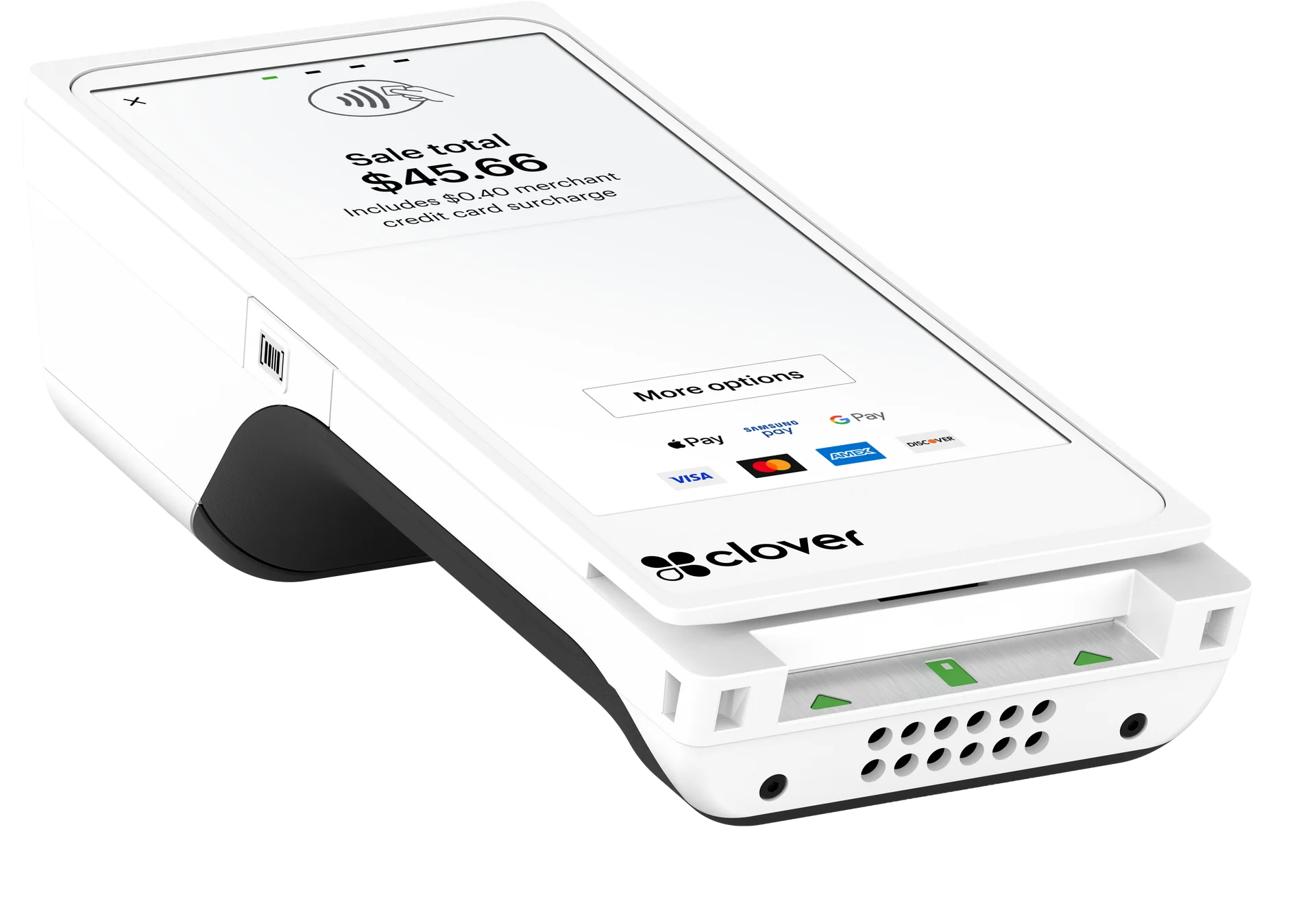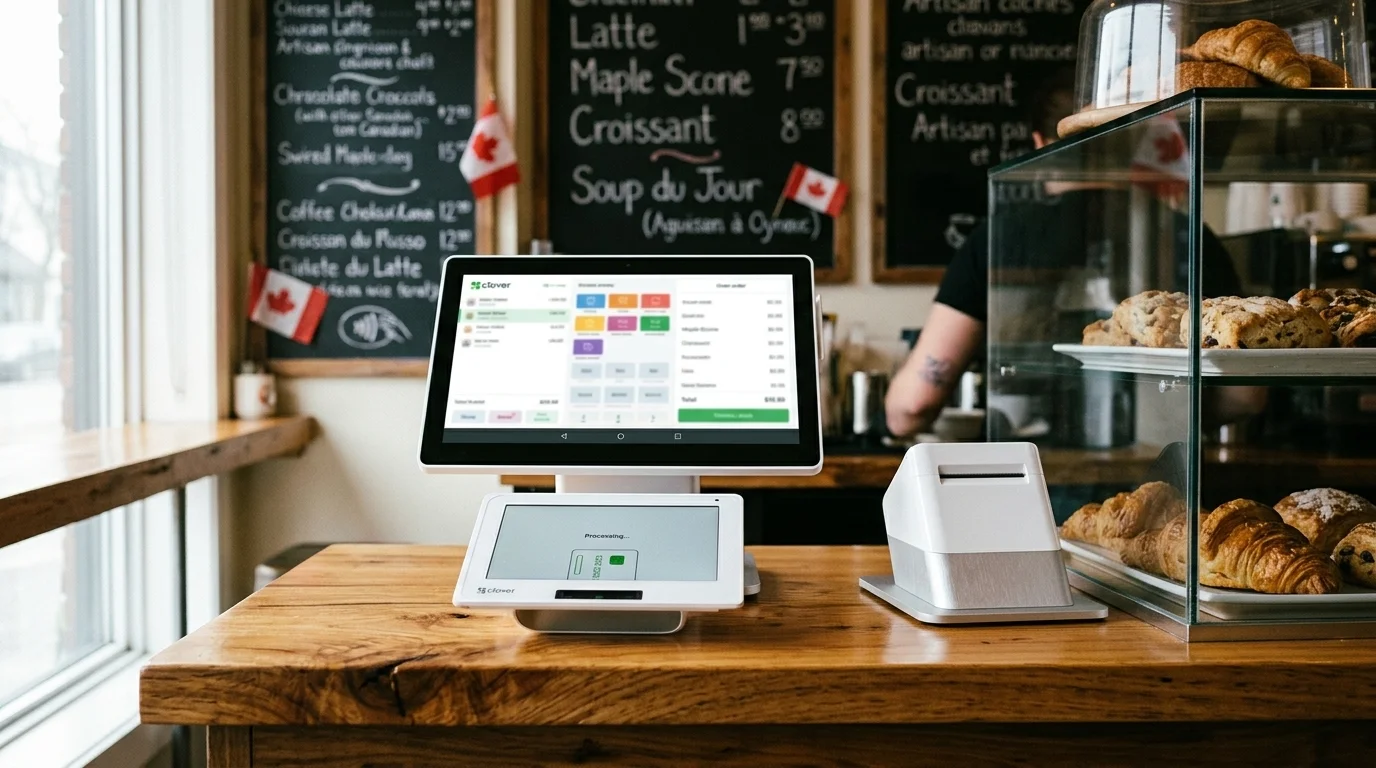
Clover Station Duo POS set up on a small Ontario business counter, the lineup Azimuth Payments configures end to end.
Clover POS Solution

Clover POS systems for Ontario businesses.

Pick the right Clover device, set it up properly the first time, and run your day on hardware your customers actually enjoy using.

Compare the Clover lineup at a glance.

Clover makes six pieces of hardware, and each one fits a different kind of business. Here is the short version, with the device that fits most operations down the page. If you want to talk through which one is right for you, give us a call and we will walk you through it on a 10-minute demo.

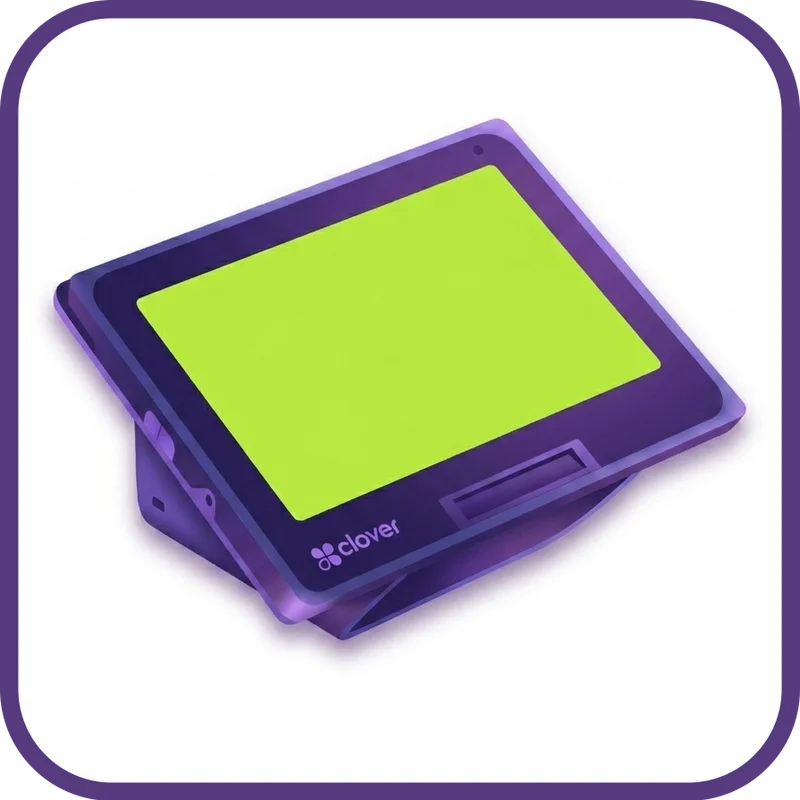
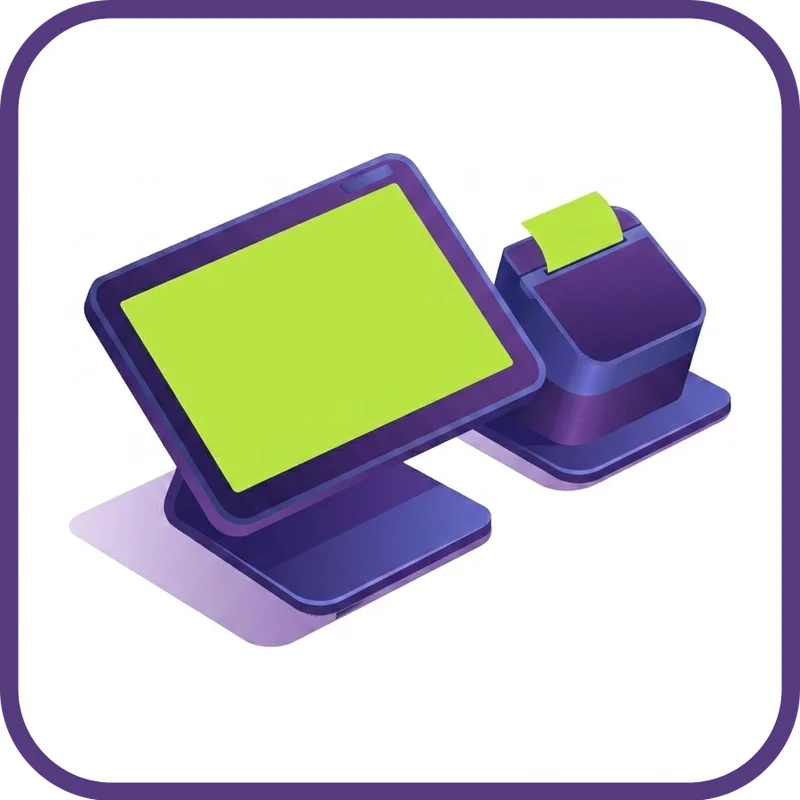
Clover Station Duo dual-screen countertop POS

Clover Station Duo

Full-power POS with a customer-facing screen

Footprint
Countertop, 14" merchant screen and 8" customer screen
Best for
Restaurants and high-volume retail
  • 14" merchant display, 8" customer display
  • Includes thermal receipt printer and barcode scanner
  • Ethernet, Wi-Fi, and 4G LTE

When you want the full feature set and you want your customer to see what they are paying for.
Clover Station Solo single-screen countertop POS

Clover Station Solo

Single-screen countertop POS

Footprint
Countertop, tiltable 14" screen
Best for
Retail without a customer-facing screen need
  • Tiltable 14" merchant display
  • Built-in thermal receipt printer
  • Ethernet, Wi-Fi, and 4G LTE

When the Duo is overkill and you just need a fast, full-featured countertop POS.

Clover Mini compact countertop POS

Clover Mini

Compact countertop POS with everything built in

Footprint
Countertop, 8" screen
Best for
Cafes, salons, smaller retail shops
  • 8" touchscreen
  • Built-in thermal receipt printer, card reader, and barcode camera
  • Ethernet, Wi-Fi, and 4G LTE

When counter space is tight and you still want a real POS, not just a terminal.

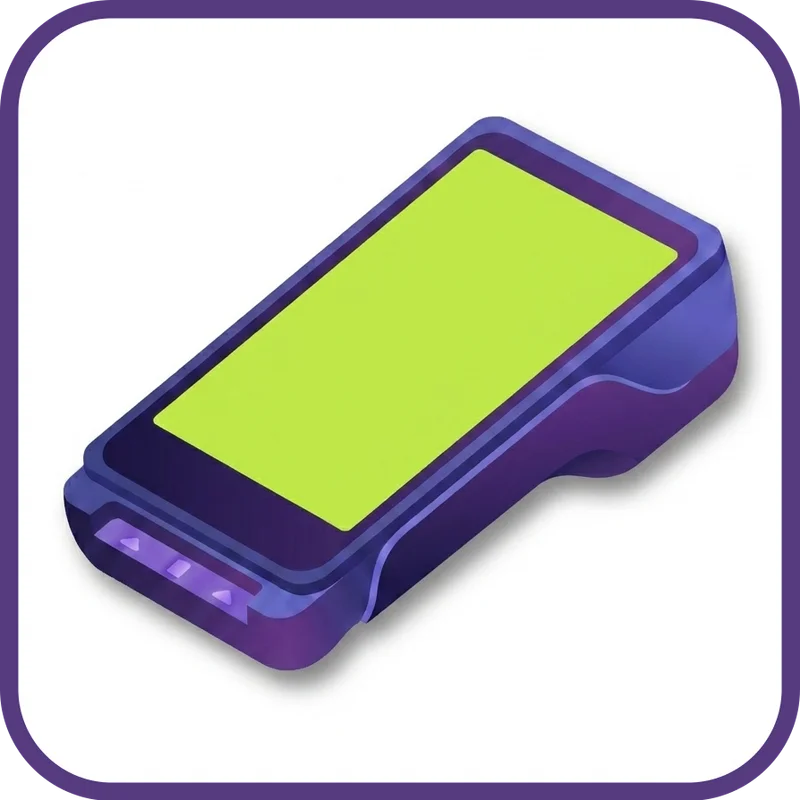
Clover Flex handheld POS with built-in printer

Clover Flex

Handheld POS with a built-in printer

Footprint
Handheld, 5.99" screen
Best for
Pay-at-the-table, mobile service, line busting
  • Nearly 6" touchscreen, 8-hour battery
  • Built-in thermal printer, card reader, and barcode camera
  • Wi-Fi, 4G LTE, and Bluetooth

When the work happens away from the counter. (See full breakdown below.)

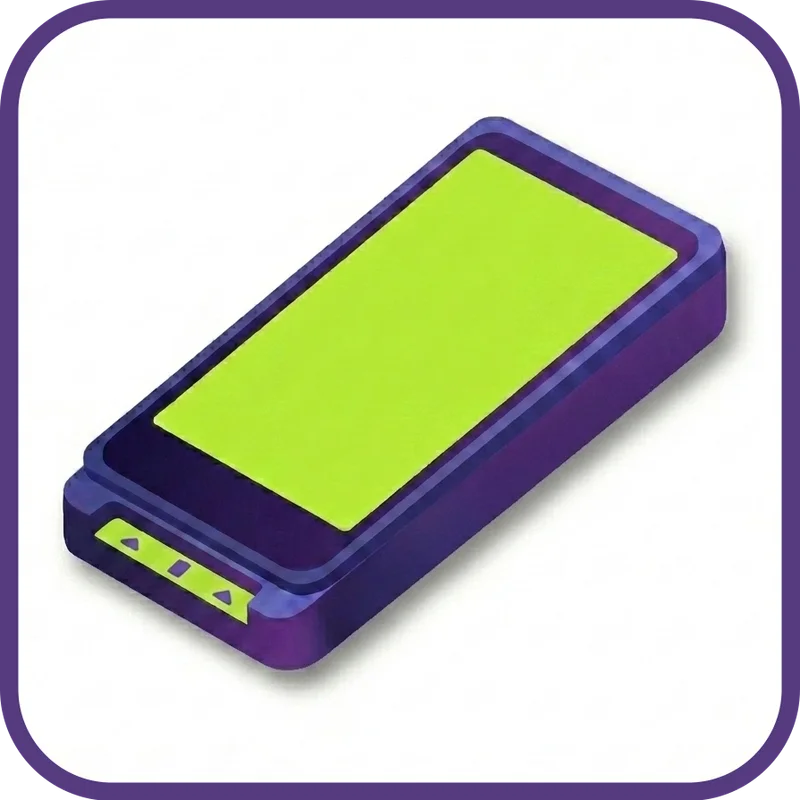
Clover Flex Pocket handheld terminal, no printer

Clover Flex Pocket

Pocket-size handheld for digital receipts only

Footprint
Pocketable, 5.99" screen, around 12 oz
Best for
Mobile vendors and tableside service who do not need printed receipts
  • Same nearly 6" screen as the Flex, 25 percent lighter
  • 8-hour battery, USB-C charging, no printer
  • Wi-Fi, 4G LTE, and Bluetooth

When you want the Flex experience in your apron pocket and your customers are happy with email or text receipts.

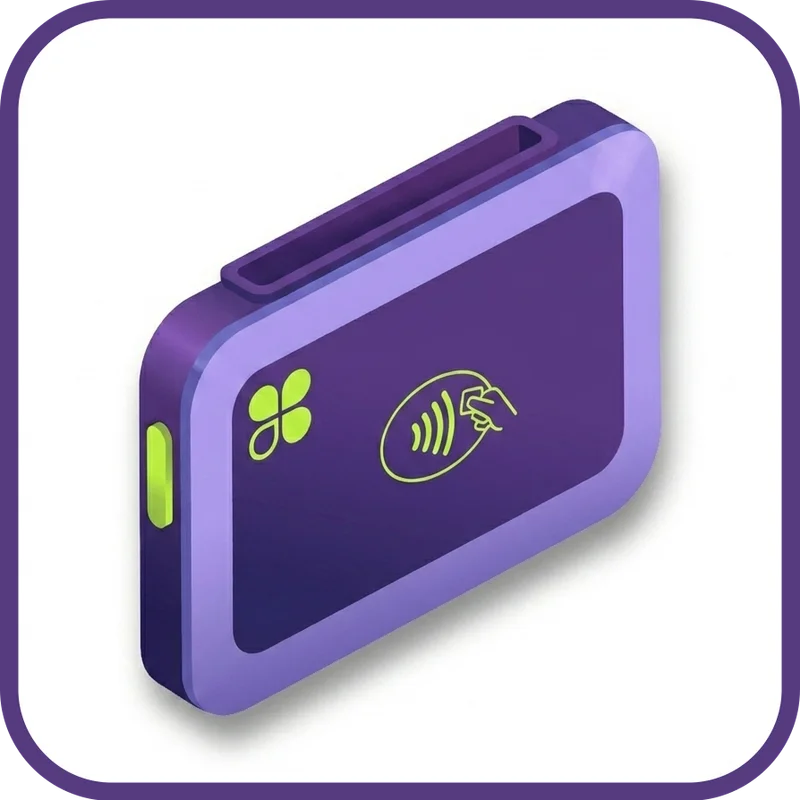
Clover Go Bluetooth card reader for phone or tablet

Clover Go

Card reader for your phone or tablet

Footprint
Pocketable, pairs with iOS or Android
Best for
Mobile service businesses and pop-ups
  • Bluetooth pairing with iPhone or Android
  • Tap, chip, swipe, plus Apple Pay and Google Pay
  • Lowest hardware cost in the lineup

When you take payment on the road and you do not need a full POS app at the customer.

Need help picking? and we will walk you through the right fit for your operation. Just need a card terminal, not a full system? See our Clover Payments terminals.

Pick Your Setup

Tell us your operation. We will tell you the hardware.

Clover makes a lot of devices, and most resellers will let you guess. Pick the closest match below and see what we would set you up with for that kind of business.

Step 1: pick your operation

Step 2: what we would set you up with

Clover Station Duo countertop POS, paired on the floor with a Clover Flex handheld

We would set you up with

Clover Station Duo + Clover Flex

A Station Duo at the host stand for the kitchen routing, splits, and modifiers, paired with one or two Clover Flex handhelds on the floor for pay-at-the-table.

  • Servers carry the Flex to the table, customer taps, receipt prints
  • Customer-facing screen on the Duo for split cheques and tips
  • Faster turns, fewer chargebacks, no card walks back to the till

These are the most common starting points. The right setup depends on your floor plan, staff, and ticket size. A 10-minute call with us narrows it down quickly.

Industries We Set Up

Ontario operations we set up Clover POS for.

Different counters, different floors, different days. The system bends to the operation, not the other way around. Here are a few of the businesses we set up most often.

Deep Dive

A closer look at the Clover Flex.

The Flex is the device most independent Ontario operators end up choosing. It works as a primary POS for a small operation, a pay-at-the-table tool for a restaurant, a line-busting handheld in a busy retail moment, or a mobile terminal for a service business that takes payment on site. It is also the device buyers research the most before deciding.

Clover Flex handheld POS device showing the touchscreen and built-in receipt printer

What the Clover Flex actually does.

The Flex is a handheld touchscreen POS, which means it does almost everything a countertop Clover does, just in a unit you carry around. Take orders. Process tap, chip, swipe, Apple Pay, and Google Pay. Print receipts from the built-in thermal printer. Scan barcodes. Manage inventory. Apply discounts. Send a digital receipt by email or text. All of it, on a nearly 6-inch screen with an 8-hour battery that lasts a full shift on a single charge.

It runs on Wi-Fi when you are in your building, and switches to LTE when you walk outside or when your network drops. So you do not get stuck mid-transaction.

Software

The Clover software side.

Clover is not just hardware. The reason most operators end up there (and stay there) is the software underneath. Here is what you actually get when you set up a Clover system through Azimuth Payments.

On-Site Setup

How we set up your Clover POS.

Most resellers ship you a box and disappear. We will not. Here is what working with Azimuth Payments looks like when you choose a Clover system.

Frequently Asked Questions

Common questions about Clover POS in Ontario.

It depends on which device you pick and how you want to pay for it. Clover hardware ranges from a Clover Go reader (the lowest cost in the lineup) up to a Clover Station Duo (the most powerful). Most operations sit somewhere in the middle with a Mini or a Flex. We will quote your actual hardware in writing, with the processing rates beside it, so you see exactly what the monthly cost looks like. No teaser pricing. No bundled fees you find on month two.

Azimuth Payments, Best Rate Guarantee. Send us your statement and we will beat your rate or tell you straight.

When you switch to Azimuth, you get all of this.

Lower rates. No surprises. No call centres.

  • Illustration of a small Canadian shop with a friendly local rep at the counter

    Local + On-Site

    We will come to you. Owen Sound. Niagara. Anywhere in Southern Ontario.

  • Illustration of a transparent statement with line items clearly labeled

    Transparent Pricing

    Interchange+. We will walk through your statement line by line.

  • Illustration of three layered support tiers with phone, headset, and Clover icon

    Three-Tier Support

    Real humans first. 24/7 Canadian backup. Clover direct as the safety net.

  • Illustration of a Canadian map with on-site and remote service zones highlighted

    National Coverage

    Local where you are. Remote where you need it.

  • Illustration of a shield badge representing the Best Rate Guarantee

    Best Rate Guarantee

    Send us your statement. If we cannot beat your rate, we will tell you straight.

  • Illustration of a $500 statement credit gift on a stylized invoice

    $500 Credit

    A statement credit on your first month when you switch to Azimuth.

Or call905.356.9906